+1 (702) 337-2788sales@oneoptics.com
Henderson, NV
Request a Quote
Home / Solutions / Campus networks
Campus Networks

Connect Every Building

Universities, hospitals and corporate campuses run fiber between buildings and copper to the desk. One Optics supplies the entrance splice, the MDF and IDF panels, and the cable between them.
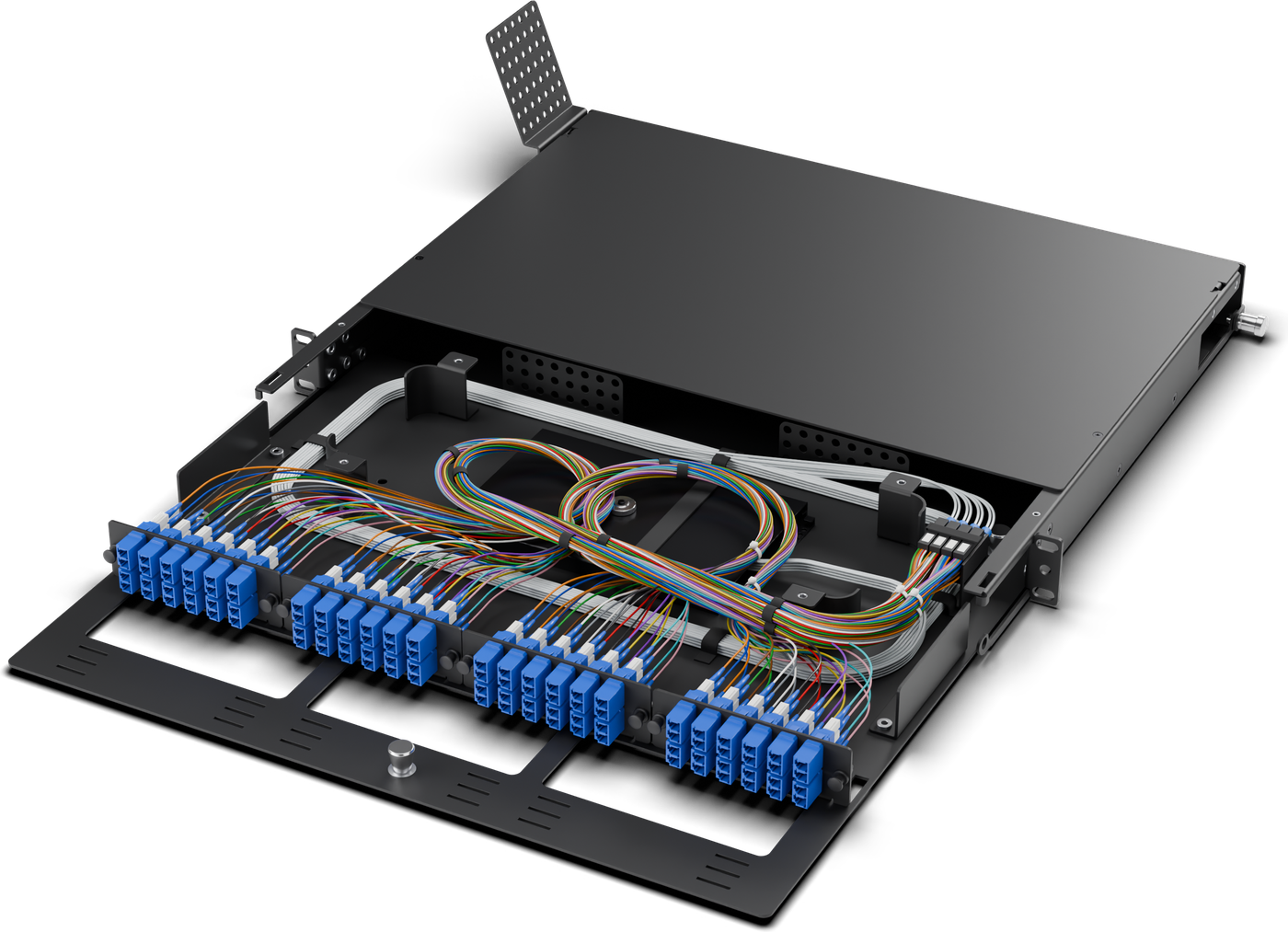
48FHD1U loose tube
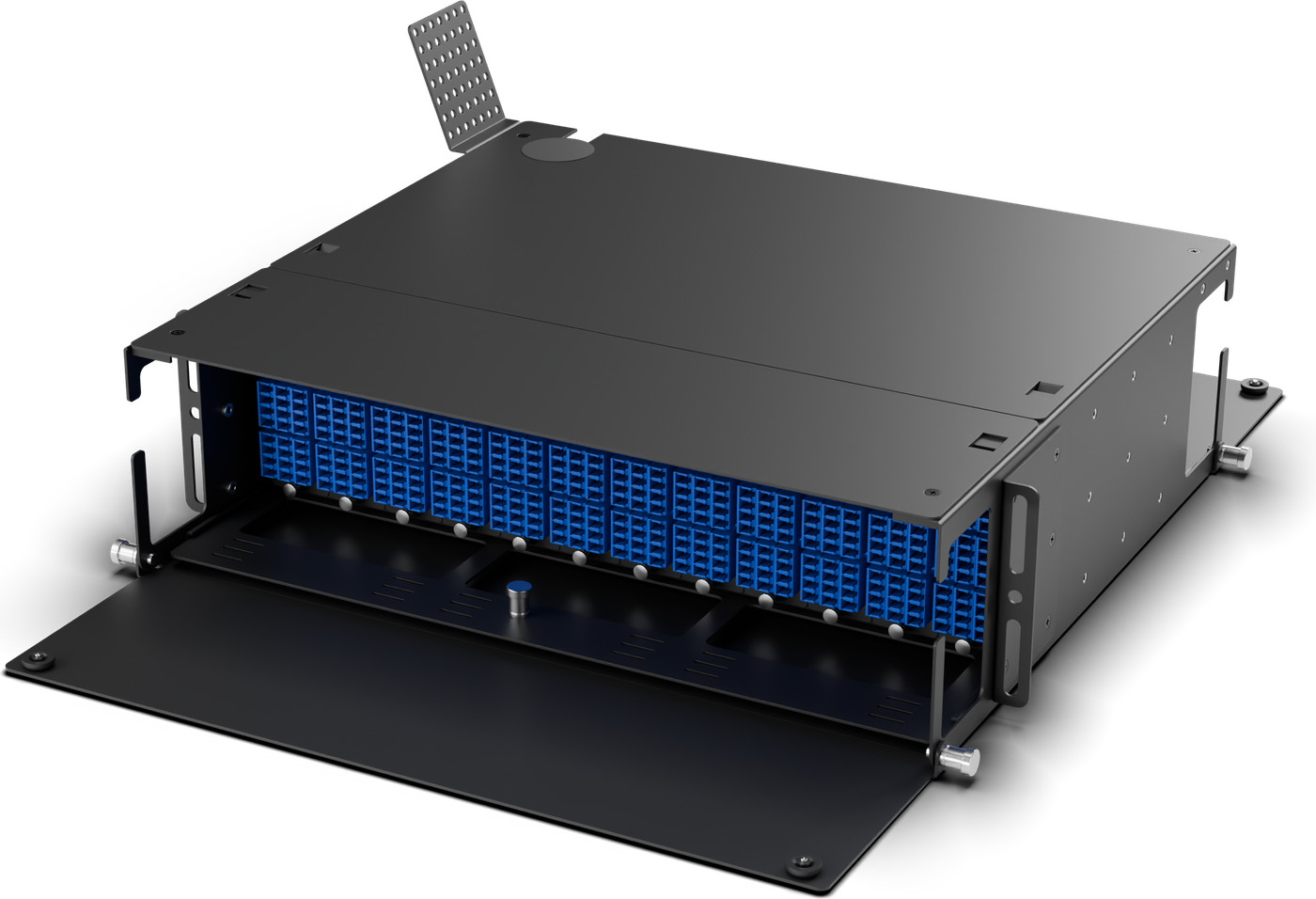
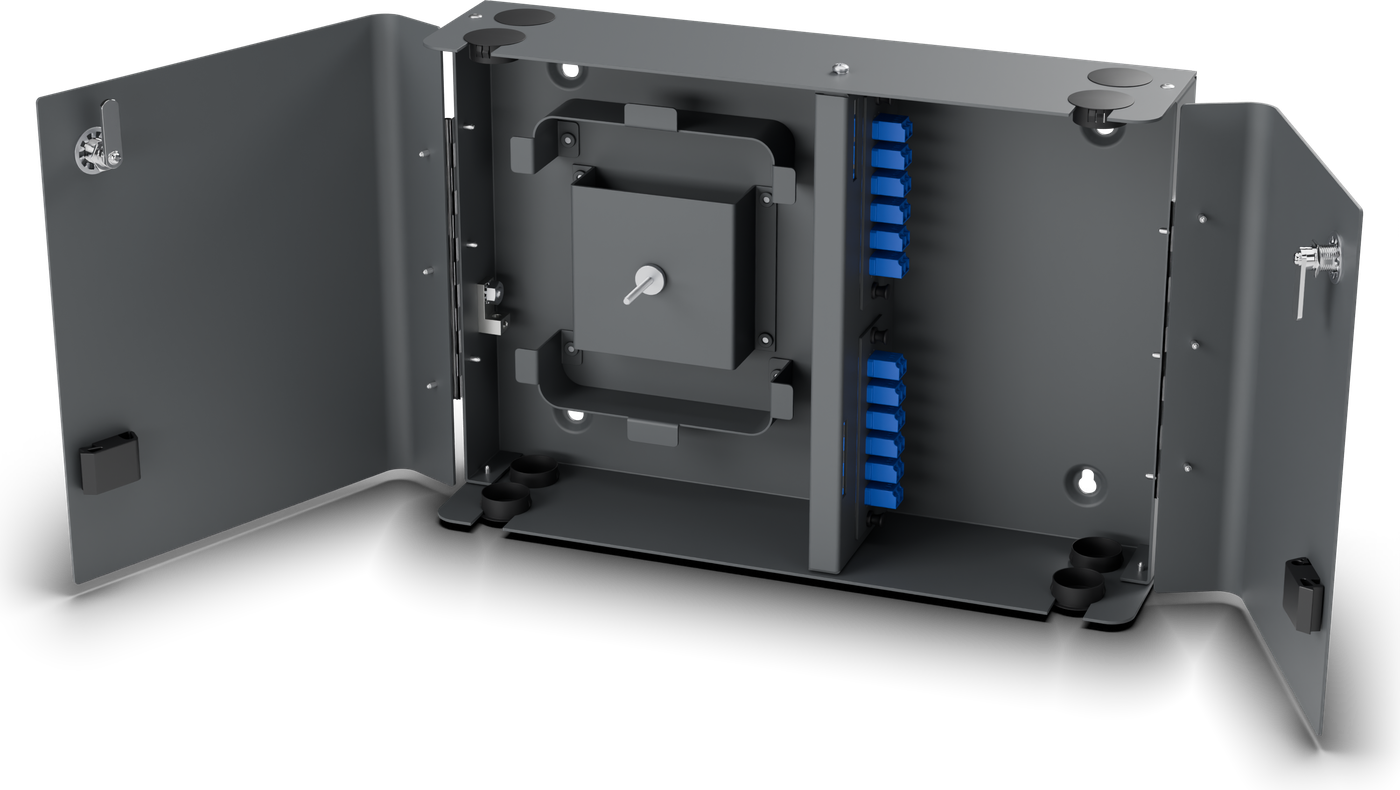
144FWMHD6X wall mount
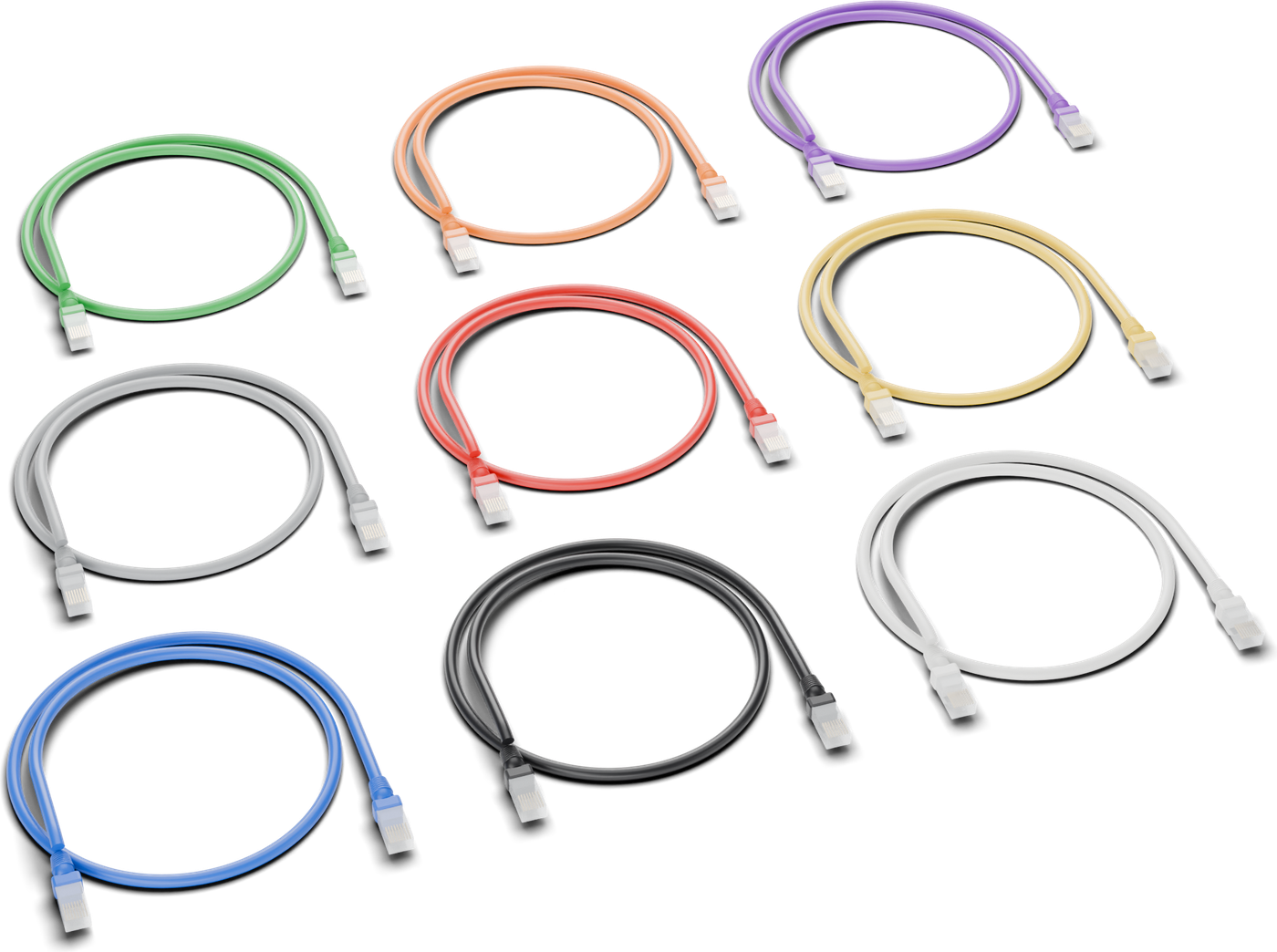
Cat 6Jumpers and 1,000 ft boxes
12-144FPreterminated OSP
Connect every building

Most campus closets have either a rack or a wall. HD1U, HD Slim 1U and HD3U cover the rack; WMHD2X and WMHD6X cover the wall, with the same HD adaptor plates and MPO pass-through cassettes in both. OOFC splice cassettes fit the HD1U, the HD3U family and HD Slim, and the OOFC-24 also fits the wall mounts. Build America, Buy America (BABA) compliant, self-certified; compliance letter available on request (excludes fiber jumpers, MPO jumpers, pigtails and Cat 6 copper). Preterminated OSP cables (PTO-) run building to building, panel to panel (wall mount or rack mount), plenum preterms (PTP-) run inside buildings and rack to rack, and MPO trunks give a preterminated in-building backbone.

Building Entrance

For the largest campuses, the Fiber Entrance Cabinet (FEC-6912) splices the customer's 6,912F armored or dielectric ribbon OSP cable to 24 x 288F or 48 x 144F plenum cables. The exit cables come from One Optics, cut to length: plenum preterms (PTP-), 288F or 144F, single end terminated, or unterminated plenum cable. Smaller entrances terminate directly in an HD3U, HD1U or WMHD6X.

Between Buildings

Preterminated OSP cables (PTO-), 12 to 144F on Corning ALTOS cable with SMF-28 Ultra fiber, arrive connectorized and cut to length. Runs inside a building, including Fiber Entrance Cabinet exits to the racks, use plenum preterms (PTP-).

Typical Builds

Network Diagram
Campus network diagram: OSP between buildings, MDF and IDF racks, and Cat 6 to the edgeCampus network diagram: OSP between buildings, MDF and IDF racks, and Cat 6 to the edgeCAMPUS OSPBetween buildingsENTRANCE / MDFOSP splice, core cross-connectIDF / TELECOM ROOMBackbone to horizontalEDGEWork areas, APs, devicesHigh-count OSPfeed (by others)FEC-6912large feedsMDF RACKHD3UHD3U-L-LC-144HD3UHD3U-R-LC-288HD3US1,728F / 3UHD1UHD1U-A-LC-24Core switches(by others)Smaller sites:terminate OSPdirectly in HD3Uor HD1U withPT- pigtailsRemote buildingAccess switch(by others)WMHD2XWMHD2X-A-SC-24PTO- preterminated OSP12-144F, aerial or ductIDF RACKHD1UHD1U-L-LC-48MPO cassettesMPC-24-LC-HD Slim 1UHDS1U-ECat 6 platesHDP-RJ45-6Access switchesPoE (by others)Small closetWMHD2X / WMHD6XBackbone, MDF to IDF: field-spliced fiber (by others, gray)on HD1U, or MPOT- plenum MPO/MTPtrunks (amber) onto MPCcassettes.Wi-Fi APs, camerasIoT and PoE devices (by others)Outlets and work areasjacks and faceplates by othersCat 6 horizontal cableC623S- 23 AWG solid,plenum (CMP) or riser (CMR),1,000 ft pull boxesCat 6 jumpers C624- / C628-at the patch panel and thedesk; 28 AWG slim for denseswitch patching.One Optics product (part number family)Customer equipment and optics (by others)OSP cable between buildings (PTO-)One Optics Cat 6 cablePlenum cable inside buildings (PTP-, MPOT-)Cable by others
Campus: PTO- preterminated cable runs outside between buildings, PTP- and MPOT- plenum cables run inside, HD3U and HD1U panels patch the MDF and IDF racks, and Cat 6 reaches the work areas.
Application Guide

Download the Campus Network Application Guide

Free PDF, no sign-up: network diagram, product-fit table, example builds and contacts.
PDF
Download the Guide

Direct download, no email needed.

Core of the campus
Main Distribution (MDF)

Core of the Campus

Land building feeds and the outside plant in one rack.
Floor and building closets
Telecom Rooms (IDF)

Floor and Building Closets

Small counts, small spaces: 1U in the rack or a wall box.
To the desk and the AP
Copper

To the Desk and the AP

Cat 6 for access points, cameras and workstations alongside the fiber.

Plan a Build for Your Site
Send the fiber counts, connector and polish, and the rooms you need to connect. Sales returns part numbers and a quote.
ConfiguratorTalk to Sales